
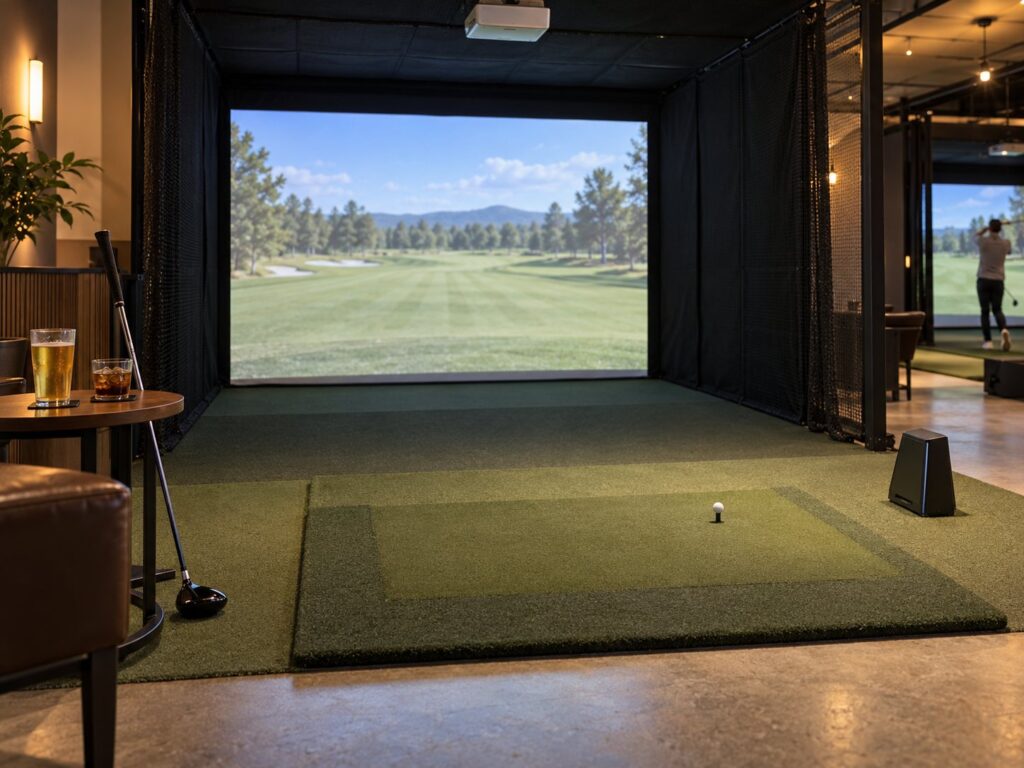
A commercial golf simulator works harder than a home setup. It runs for long hours, serves golfers of every ability, has to take bookings and payments, and needs fast support when something fails on a Saturday night. This guide covers what golf courses, coaching academies, hotels, bars and indoor golf venues in the US and Canada should weigh up when they buy simulators, and the questions to put to installers. Compare manufacturers and installers in our golf simulators and indoor golf section.
Decide what each bay is for
The right simulator depends on how the bay will earn money. A teaching bay needs club and ball data the coach trusts, video and room to move. A social or hospitality bay needs good course play, simple controls and a screen that stands up to heavy use. A club fitting bay needs reliable data and fast club changes. Many venues combine these uses, so rank them before you speak to suppliers. North America has the widest choice of commercial suppliers.
The parts of a commercial bay
Every simulator is a set of components, whether it is sold as a package or built to order. Knowing the parts lets you compare quotes line by line.
| Component | What to check | Where to compare |
|---|---|---|
| Launch monitor | Mounting (overhead, floor or behind the golfer), left and right-handed use without moving it, club data, commercial terms | Launch monitors |
| Software | Course library, practice and game modes, multi-bay control, annual fees | Simulator software |
| Enclosure and impact screen | Screen life, noise, padding, fire rating for public buildings | Enclosures, screens and projectors |
| Projector | Short-throw position, brightness for the room, heat and dust | Enclosures, screens and projectors |
| Hitting mat and flooring | Feel, replaceable strike strip, putting surface | Simulator mats and flooring |
| Installation | Room design, electrical, data cabling, calibration, sign-off | Simulator installers |
| Booking and payments | Online booking, deposits, link to your POS or club software | Club and booking software |
Launch monitors and software
The launch monitor is the main technology decision. Manufacturers listed here include Trackman, Uneekor, SkyTrak, aboutGOLF, GOLFJOY USA, Canadian maker HD Golf and Foresight Sports. Mounting matters in a busy bay: overhead units such as Uneekor’s EYE XO range stay clear of stray shots, while floor units need protection. Ask whether the unit handles left and right-handed golfers without being moved, because that affects how fast a bay turns over between bookings.
Published US prices give a sense of scale. In October 2026 Foresight Sports listed its GC3 at $6,999 (on sale from $3,999), GCQuad from $15,999 and Falcon from $16,999, and GSPro listed its simulation software at $250 a year for an individual license. Enclosures and screens add more: Golfbays listed a SimBox enclosure at $1,699 and an impact screen at $550, and The Indoor Golf Shop listed premium impact screens from $314.99 on sale. A full commercial bay with installation will cost well above the launch monitor alone, so ask for itemized quotes and confirm the commercial software license separately.
Rooms, permits and fit-out
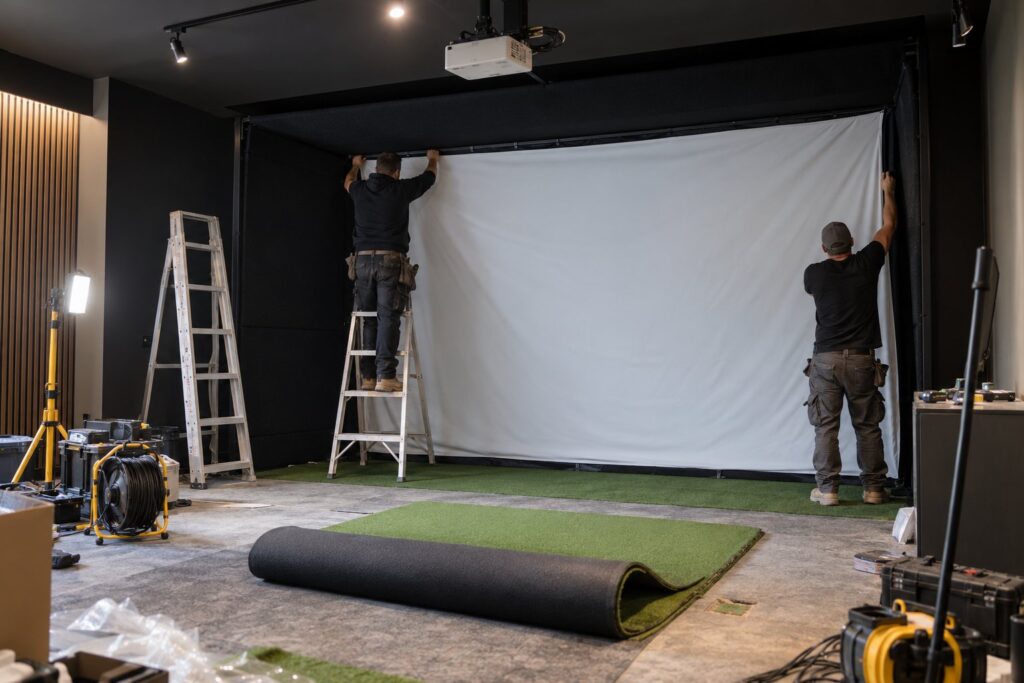
Simulator rooms need height for a full swing, width for the golfer and a safe distance to the screen, and depth for the launch monitor. Every manufacturer publishes minimum dimensions for each model, so get them in writing and check them against your space before you sign. For commercial premises, also allow for building permits, the electrical supply, HVAC, sound insulation, fire-rated screens and padding, and accessible routes into the bays.
Installers who design and build complete rooms include Rain or Shine Golf in Charlotte, The Indoor Golf Shop in Texas, 19th Hole Golf Simulators in Dallas-Fort Worth, GolfSimPlanet in Scottsdale and Golfbays in Florida. In Canada, Golf Sim Kit in Alberta, Pacific Golf Simulators in North Vancouver, Golf Sim Gurus in Ontario, and SimCaddy and Hideaway Golf Simulators in Nova Scotia supply packages and installation.
Buying, financing and running costs
Simulators can be bought outright, financed, taken as a service or supplied through a franchise. aboutGOLF offers Sim As A Service, and Trackman and indoor golf brands run franchise routes. In the US, equipment bought for business use may qualify for the Section 179 deduction; IRS Publication 946 sets the maximum at $2,500,000 for tax years beginning in 2025. Canadian businesses claim capital cost allowance instead. Take advice from your accountant on your own position.
| Cost | Why it matters |
|---|---|
| Software and course licenses | Often charged yearly and per bay |
| Impact screen and mat replacement | Wear items in a busy bay |
| Projector service | Brightness falls over time |
| Support plan | Response time when a bay is down |
| Booking and payment fees | Charged by booking platforms and card processors |
| Insurance | Equipment and liability cover for the bays |
Questions to ask installers
- Can I visit a commercial installation of the same specification and speak to the operator?
- What is included in the quote, item by item, and what is excluded?
- Who holds the software license, and what does commercial use cost each year?
- What response time do you offer if a bay fails, and are spare screens and parts held in the US or Canada?
- How do bookings and payments work with my existing tee sheet or POS?
- What training do my staff receive at handover?
Compare commercial golf simulator suppliers and installers, and plan a visit to the PGA Show in January, where most simulator brands exhibit side by side.
Sources
- Manufacturer and installer information and prices from their own websites, checked October 26, 2026: foresightsports.com, gsprogolf.com, golfbays.com, shopindoorgolf.com, trackman.com, uneekor.com, skytrakgolf.com, aboutgolf.com, hdgolf.com, rainorshinegolf.com, golfsimplanet.com, golfsimkit.com.
- Tax: IRS Publication 946, How To Depreciate Property.